Cybersecurity training your whole team finishes.
A one-hour, TXCC-certified course your staff can take on any device, plus an admin portal that tracks every person and hands you audit-ready proof of completion in one click. This guide walks through every screen.
- TXCC-certified for FY 2026-2027
- About 60 minutes
- QR-verified certificates
- WCAG 2.2 accessible
Everything the state requires, built for busy people
The course covers each mandatory topic in the FY 2026-2027 Training Program Certification Standards, including the foreign adversary rules in Texas Government Code Section 572.070. Lessons are short, practical, and written for public employees.
From invitation to certificate in about an hour
Staff sign in, learn in the format that suits them, practice on realistic attacks, pass a short assessment, and download their certificate.
A friendly invitation lands in their inbox
When you add someone, they receive a branded email with a secure link to set their password. Two clicks later they are in the course.
- Personalized with your organization's name
- Setup link stays valid for 14 days and can be resent anytime
- People with an existing account simply get a course-access notice
Hello Alex,
Your Organization has enrolled you in Cybersecurity Awareness Training. Your account is ready.
Set Your PasswordFour required modules · about 60 minutes · a certificate your organization can verify.
A dashboard that shows exactly what's next
Each learner sees their progress through every module, how many lessons remain, their practice-scenario score, and the path to the final assessment.
- One-click Resume picks up where they left off
- Module 5 offers optional depth for IT and management roles
- Progress saves automatically, on any device
Lessons in video, audio, podcast, slides, and text
Every lesson offers several ways to learn the same material, so the field technician, the commuter, and the careful reader all finish confidently.
- Short explainer videos and two-host podcast episodes
- Audio narration and downloadable slide decks
- Clear written lessons with key takeaways
- Keyboard and screen-reader friendly throughout
Practice on realistic attacks before they're real
Six interactive scenarios put learners in the moment: a suspicious email, a fake invoice from a "vendor," a QR code taped over a parking meter, a pushy phone call. They decide what to do and get instant feedback.
- Phishing, BEC, quishing, smishing and vishing, social engineering, and foreign adversary contacts
- Each choice is explained, so mistakes become lessons
- A safe space to build reflexes
A fair, focused final assessment
Once the required lessons are complete, the assessment unlocks. Questions are drawn at random from a larger bank, so each attempt is different and the result reflects real understanding.
- Correct answers appear after each attempt, so every try teaches
- Retakes are always available
- Passing issues the certificate instantly
Coverage spans all four required modules: security fundamentals, threats and reporting, foreign adversary influence, and Section 572.070 restrictions.
A certificate worth framing
Learners download a polished, print-ready certificate the moment they pass. It names the statutes the training satisfies and carries a unique number and QR code.
- Print or save as PDF in one click
- Tied to the fiscal year for annual renewal
- Also available to the organization's admins
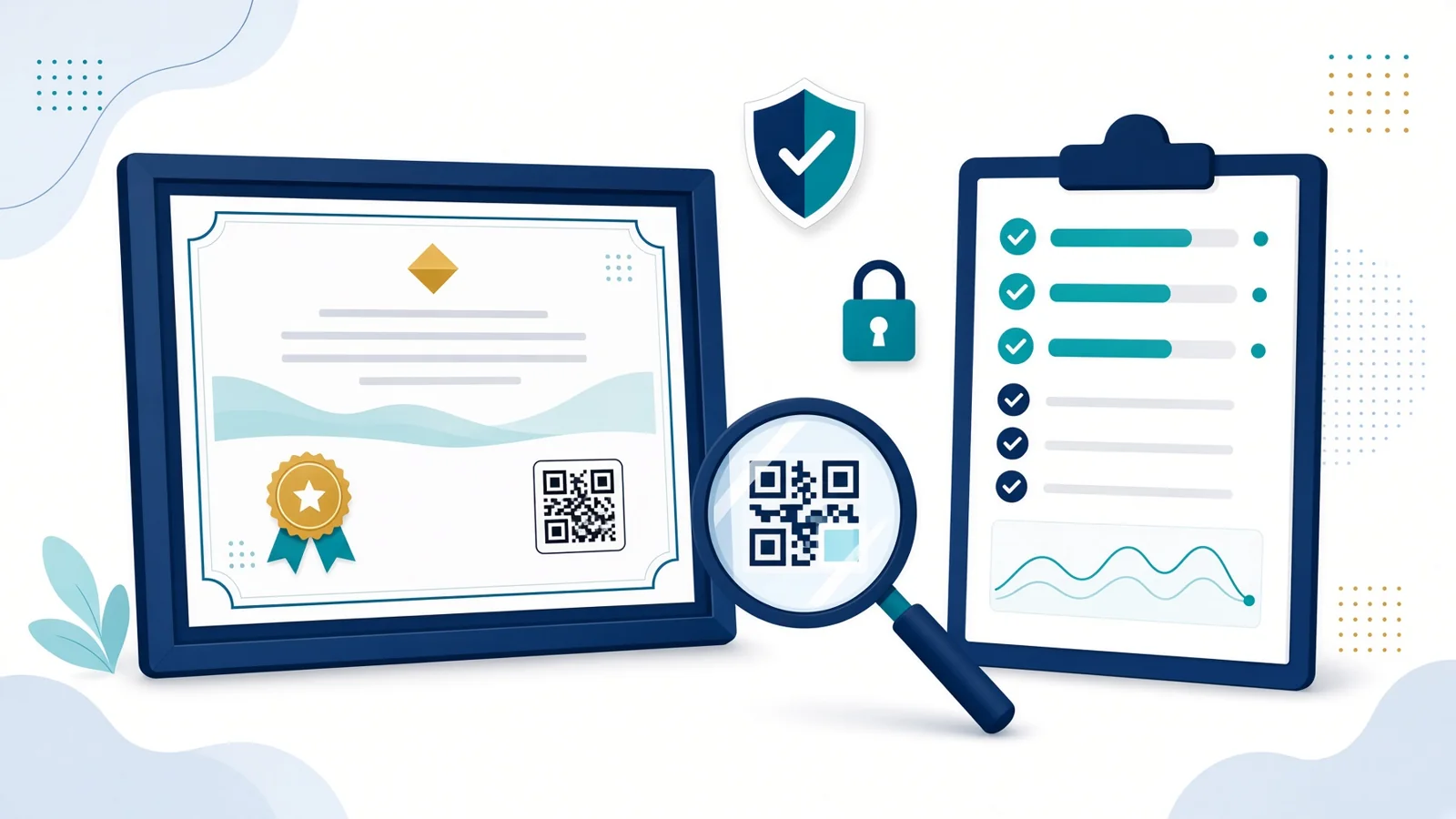
Anyone can verify it in seconds
Scan the QR code or enter the certificate number on the public verification page. Auditors, supervisors, and HR get an instant, tamper-proof answer straight from the training platform.
Your training program, managed from one screen
Training coordinators get their own portal to enroll staff, watch progress, chase stragglers, and pull certificates and reports. You see only your organization; your staff see only their own training.
Try every screen in the live demoKnow where everyone stands at a glance
The overview answers the questions leadership asks: how many are done, who is behind, and whether you'll finish before the deadline.
- Enrolled, certified, in progress, and not started
- Module-by-module completion and average scores
- Seats used, deadline countdown, and projected finish
- A "needs follow-up" list with one-click reminders
- Completion by department
Enroll your team three ways
Add one person in seconds, upload a spreadsheet of your whole staff, or share a self sign-up link. Everyone gets their invitation automatically.
- CSV upload handles up to 500 people at once, with a ready-made template
- Optional department and job title for sharper reporting
- Approved email domains keep enrollment inside your organization
Track every learner, filter in a click
The roster shows each person's status, lesson progress, best assessment score, last activity, and certificate number. Filter by status or department and act on many people at once.
- Select people and send reminders or fresh setup links in bulk
- Reminders adapt to each person's progress and include your note
- Export the full roster to CSV anytime
Drill into any individual
Open a learner to see every lesson they've completed with dates, each assessment attempt with its score, and their certificates. Update their name or department, resend their invitation, or send a personal reminder.
Every certificate, ready to print
See every certificate your organization has earned this fiscal year. Open one, print them all as a single PDF with one per page, or export a CSV with verification links for each.
Shared administration with a full audit trail
Invite co-admins such as HR, IT, or a department lead. Every action in the portal is recorded: who added whom, which reminders went out, and when reports were exported.
Audit-ready in one click
The compliance report is the document your auditor, board, or contract manager wants. Choose the fiscal year, then print it, save it as a PDF, or download the CSV.
- Organization summary: enrolled, certified, outstanding, and completion rate
- Every person with lessons completed, score, completion date, and certificate number
- The program's TXCC certification and the completion standard
- Independent verification instructions for every certificate
- A signature block for your organization's attestation
Live this week, finished this month
Most organizations go from purchase to first certificates within a few days.
- Day 1
Get your seats
Buy online with a card, or request an invoice against your purchase order.
- Day 1
Receive admin access
Your coordinator gets an email with a link straight into your organization's portal.
- Day 1-2
Invite your staff
Upload your roster or share the sign-up link. Invitations go out automatically.
- Within weeks
Download your proof
Track progress, send reminders, and export the compliance report once everyone finishes.
Simple per-person pricing, with volume savings
Every seat includes the full course, practice scenarios, the certificate, and organization reporting. For example, a team of 30 on the Team plan is $448.50.
Individual
- Full course and certificate
- Practice scenarios
- Self-service checkout
Team
- Everything in Individual
- Organization admin portal
- Reminders, certificates, and compliance reports
Agency
- Everything in Team
- Multiple co-admins
- Department reporting
Enterprise
- Purchase order and NET 30 invoicing
- Bundle with AI awareness training
- Guided onboarding
Prefer an invoice for a team or agency purchase? Email [email protected] and we will set up your seats against your purchase order.
Frequently asked questions
How long does the course take?
The four required modules and the final assessment take about 60 minutes in total. Learners can stop and resume anytime; progress saves automatically.
Does it satisfy the Texas annual cybersecurity training requirement?
The Texas Cyber Command certified this program for fiscal year 2026-2027 under Texas Government Code Section 2063.102, and it covers each mandatory topic in the FY 2026-2027 standards, including the Section 572.070 foreign adversary rules.
What do we use as proof of completion?
Each person receives a numbered certificate with a QR code that anyone can verify online. Admins can print every certificate at once and download a compliance report (PDF or CSV) listing each person, their completion date, and certificate number.
What happens if someone scores below 80%?
They review the correct answers, then retake the assessment with a fresh set of questions. Retakes are unlimited.
Can staff take it on a phone or tablet?
Yes. The course works in any modern browser on desktop, tablet, or phone, and it meets WCAG 2.2 accessibility guidelines for keyboard and screen-reader users.
What if someone leaves before they start?
Remove them from your roster and their seat returns to your pool for someone else. Anyone who has already earned a certificate stays on record for your reporting.
Can more than one person manage our training?
Yes. Invite as many co-admins as you need. Every admin action is recorded in your organization's activity log.
When do certificates renew?
Certificates cover the Texas fiscal year (September 1 through August 31). Training renews annually, and your reports are organized by fiscal year.
See it with your own eyes
Open the admin portal for a sample district with 29 staff at every stage. Click around as much as you like; nothing you do there changes anything.