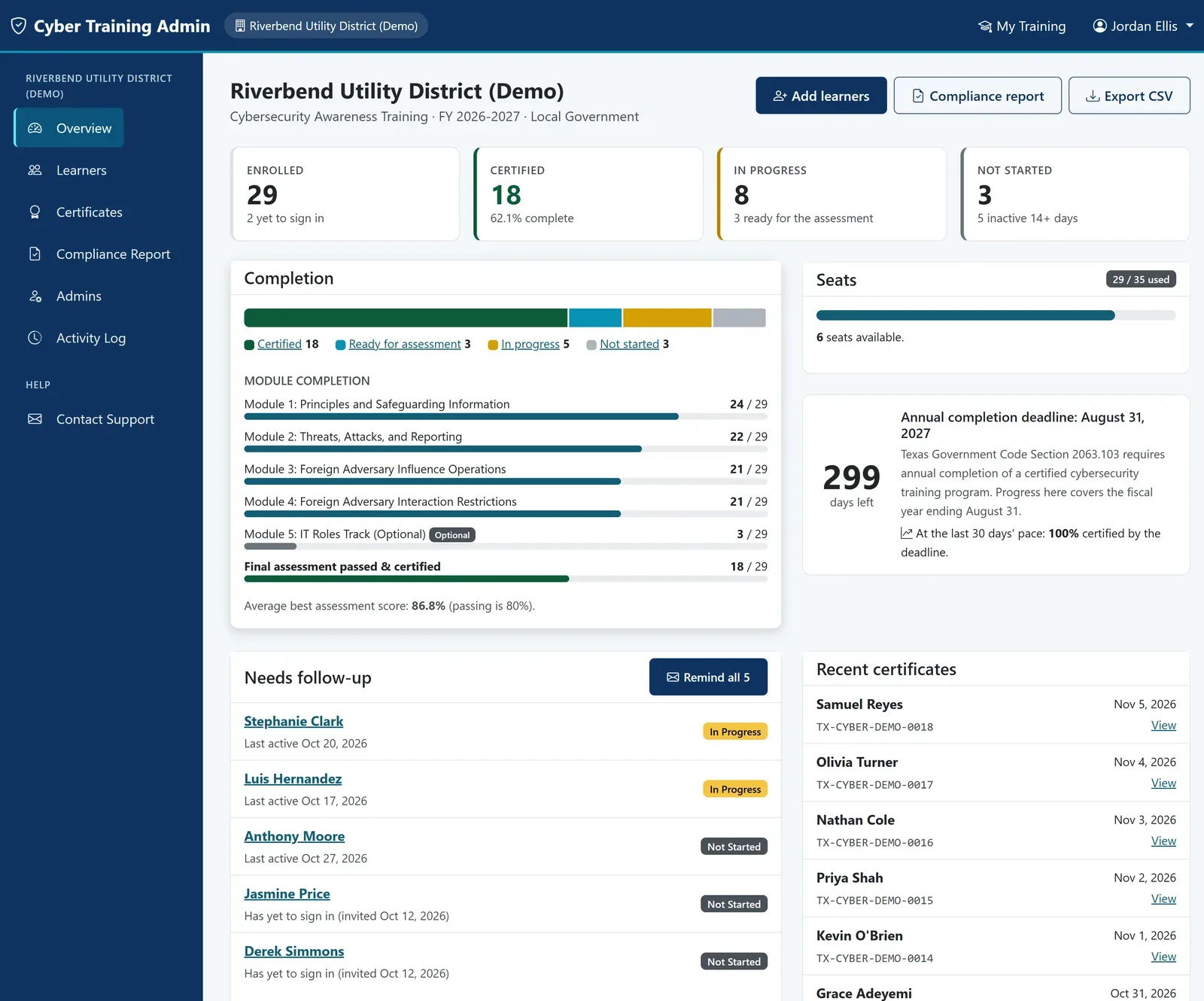
Live dashboard
Enrolled, in progress, and certified counts, module completion bars, seat usage, and a countdown to your compliance deadline.
Open the real cybersecurity training admin portal, loaded with a sample Texas utility district of 29 staff at every stage of training. Click anything. It's exactly what your organization gets on day one.
The demo opens on the dashboard. From there, every page below is one click away.
Enrolled, in progress, and certified counts, module completion bars, seat usage, and a countdown to your compliance deadline.
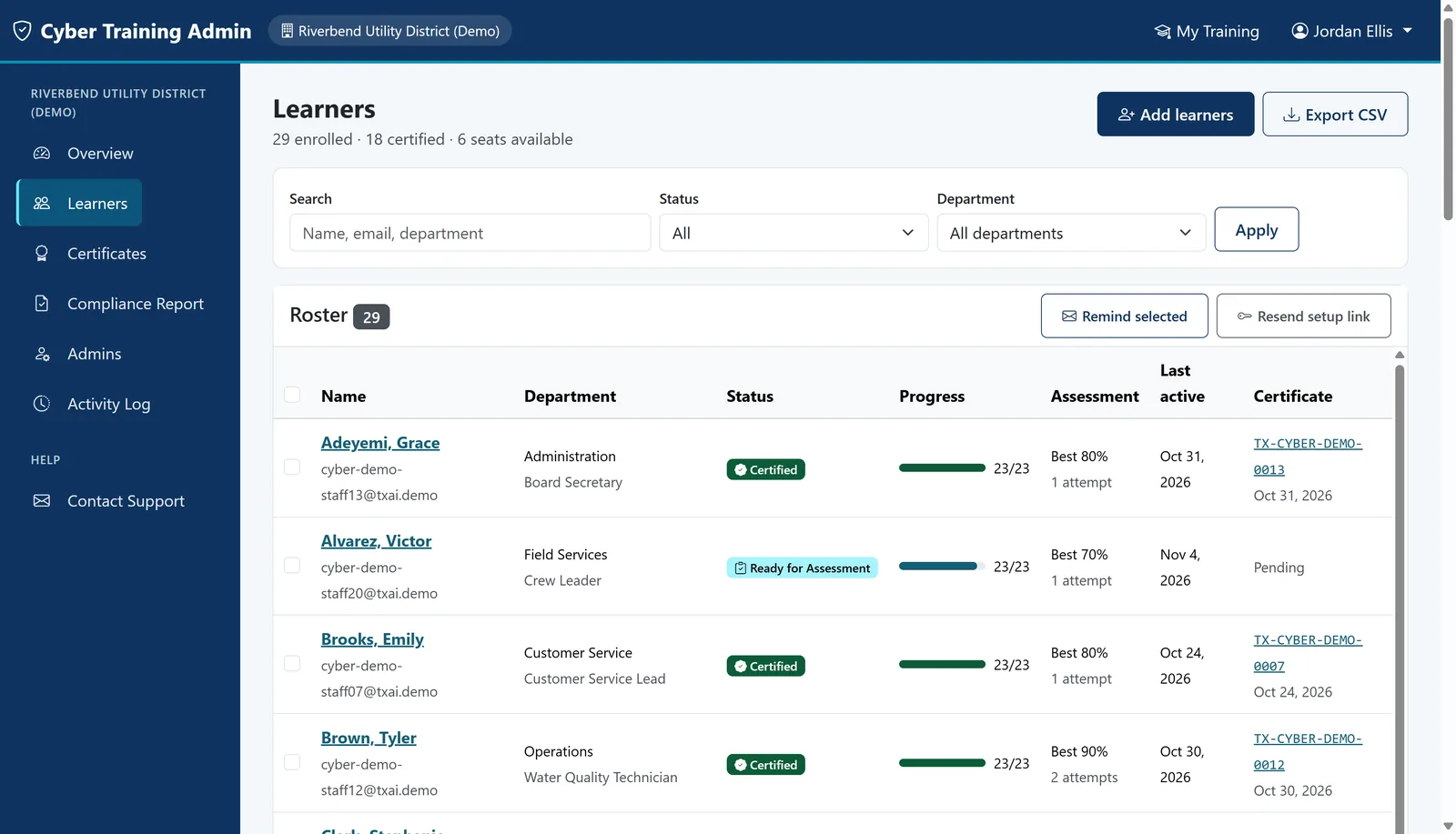
Every person with status, progress, score, and certificate. Filter by department and send reminders to everyone who still needs to finish.
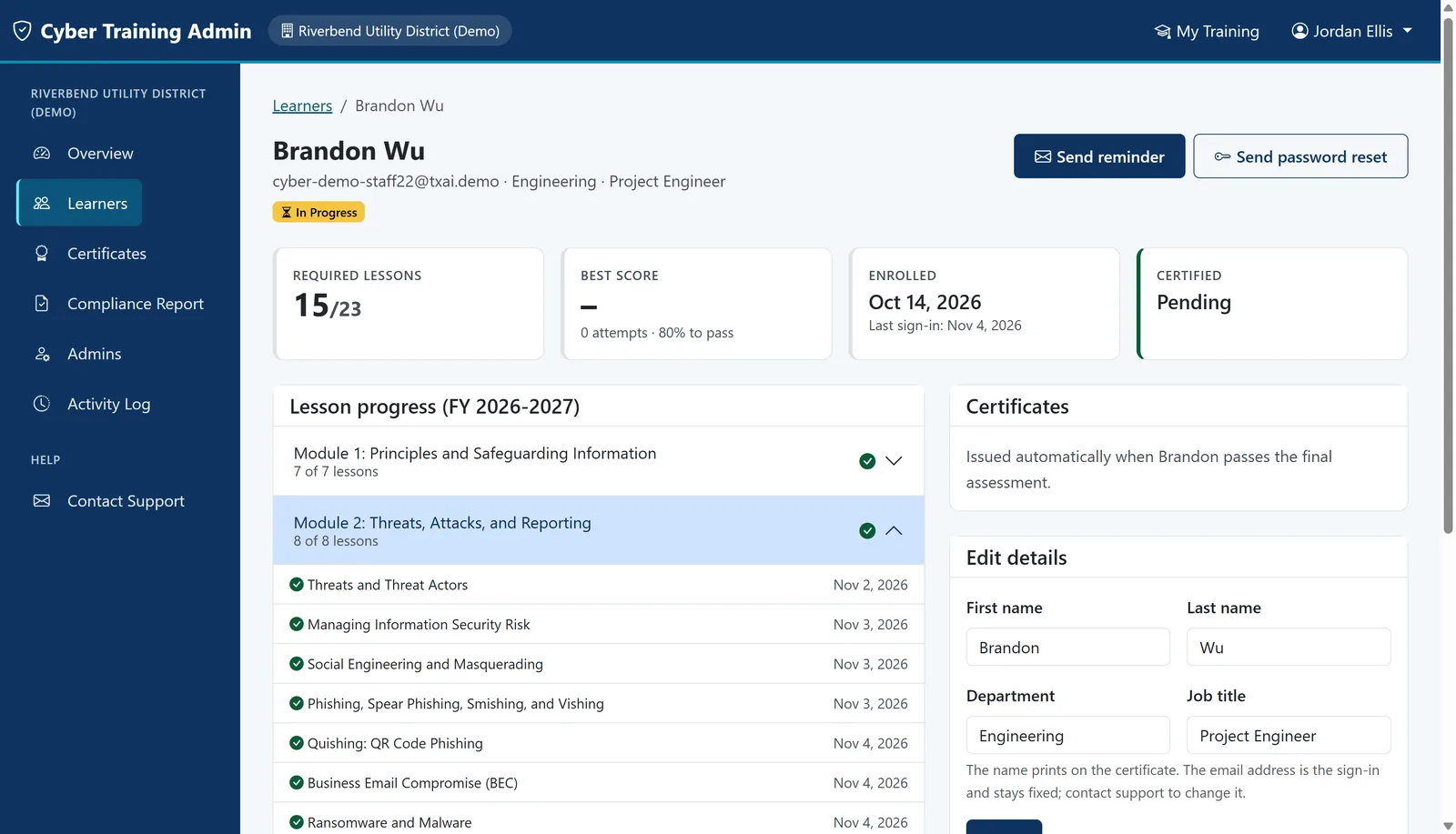
Module-by-module progress, assessment attempts, and the certificate for each person, with one click to resend their access email.
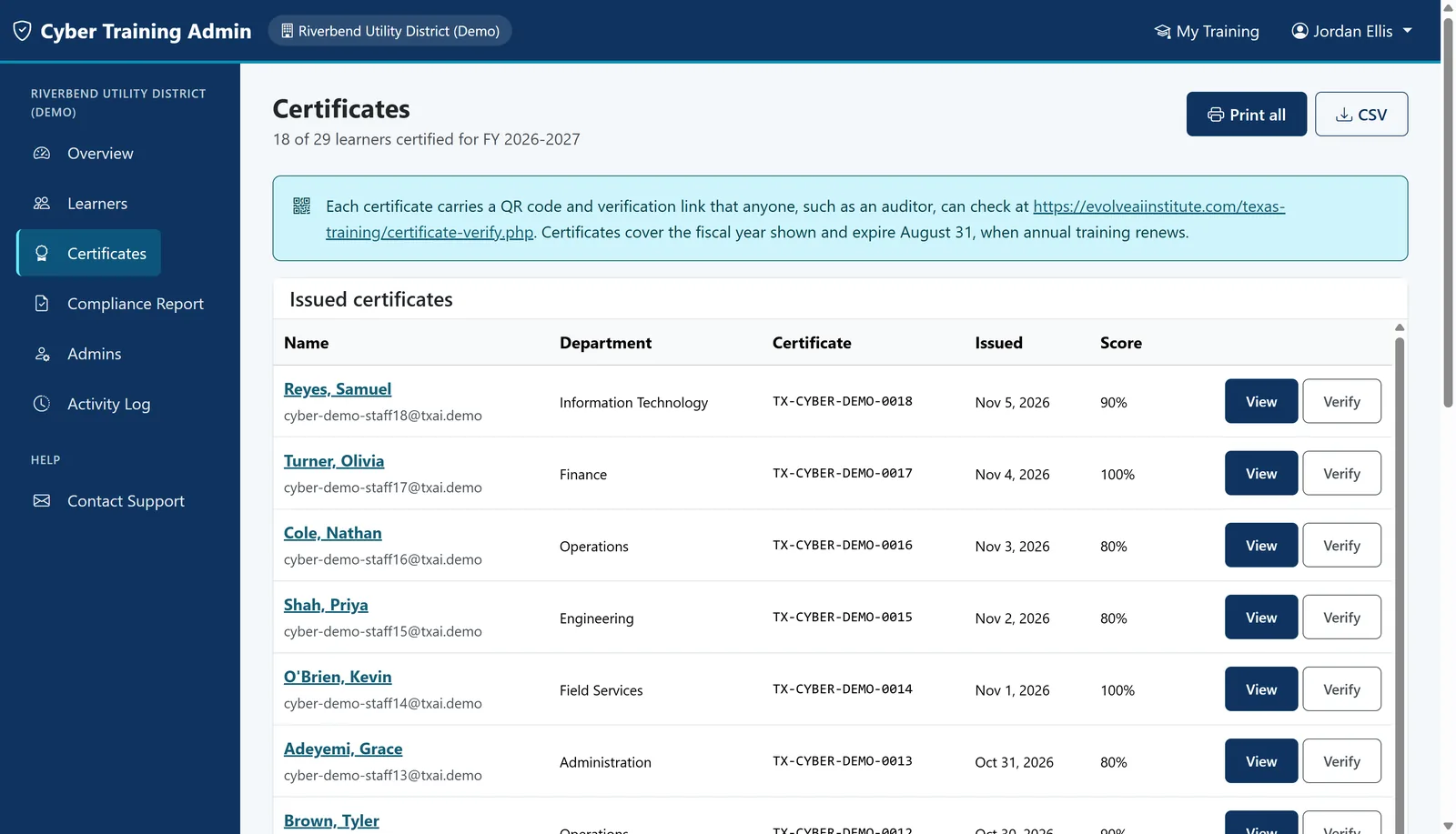
All certificates for the fiscal year in one list. Print one, or print the whole organization as a single PDF.
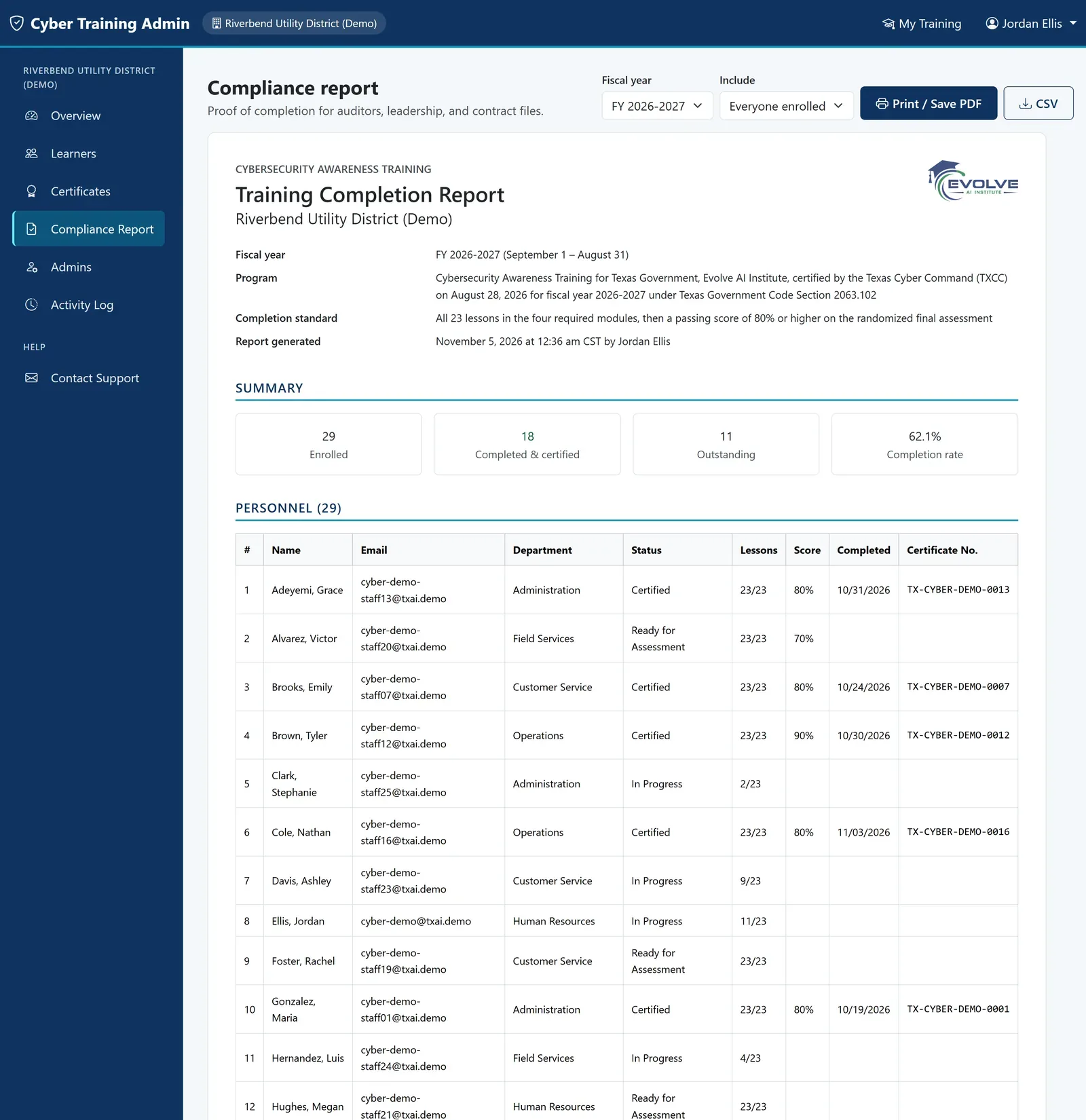
An audit-ready summary of who completed training and when, ready to attach to your annual TXCC compliance submission.
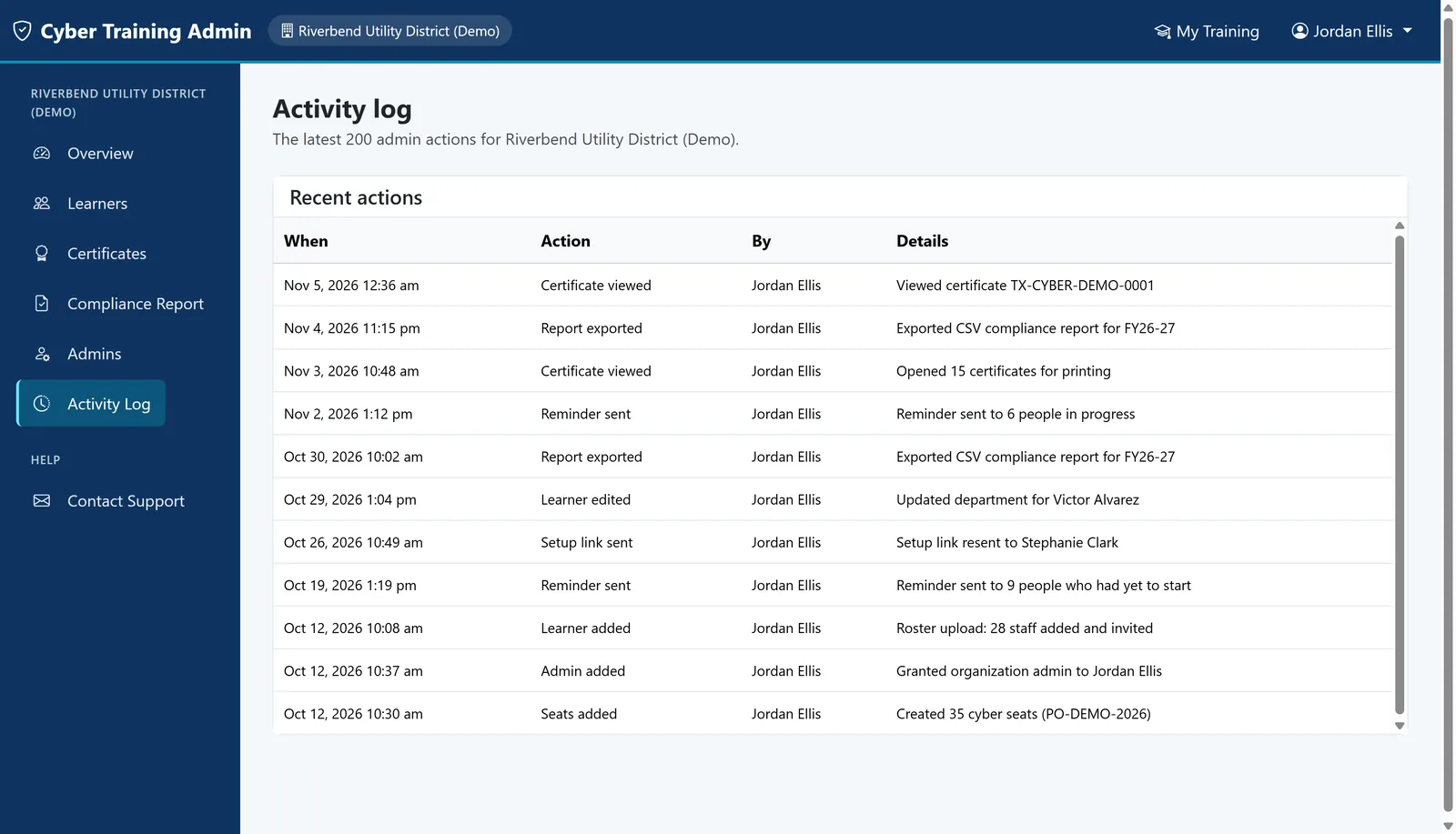
A record of every administrative action: who added staff, sent reminders, or viewed certificates, and when.
Texas Government Code Section 2063.102 requires annual cybersecurity training for state and local government employees, officials, and contractors. The admin portal gives your coordinator a live view of who has finished, who still needs to, and a compliance report to file with your annual certification.
Try it nowAnyone can open the demo with one click. It signs you in as the training coordinator of a sample organization, so you see the portal exactly as a customer does.
Yes. The demo runs the same software your organization receives, connected to a fictional organization with 29 sample staff at every stage of training.
The demo is read-only. Every button and page works for browsing, and the system blocks saving, so the sample data stays the same for the next visitor. It refreshes every 12 hours.
Your own private admin portal with your staff roster, live completion tracking, reminder emails, printable certificates, and a one-click compliance report for your TXCC submission.
Buy team seats online or request a quote for a purchase order. Your portal is ready right away, and you can add staff one at a time or upload a spreadsheet.
One click opens the portal. Nothing to install, no account to create.